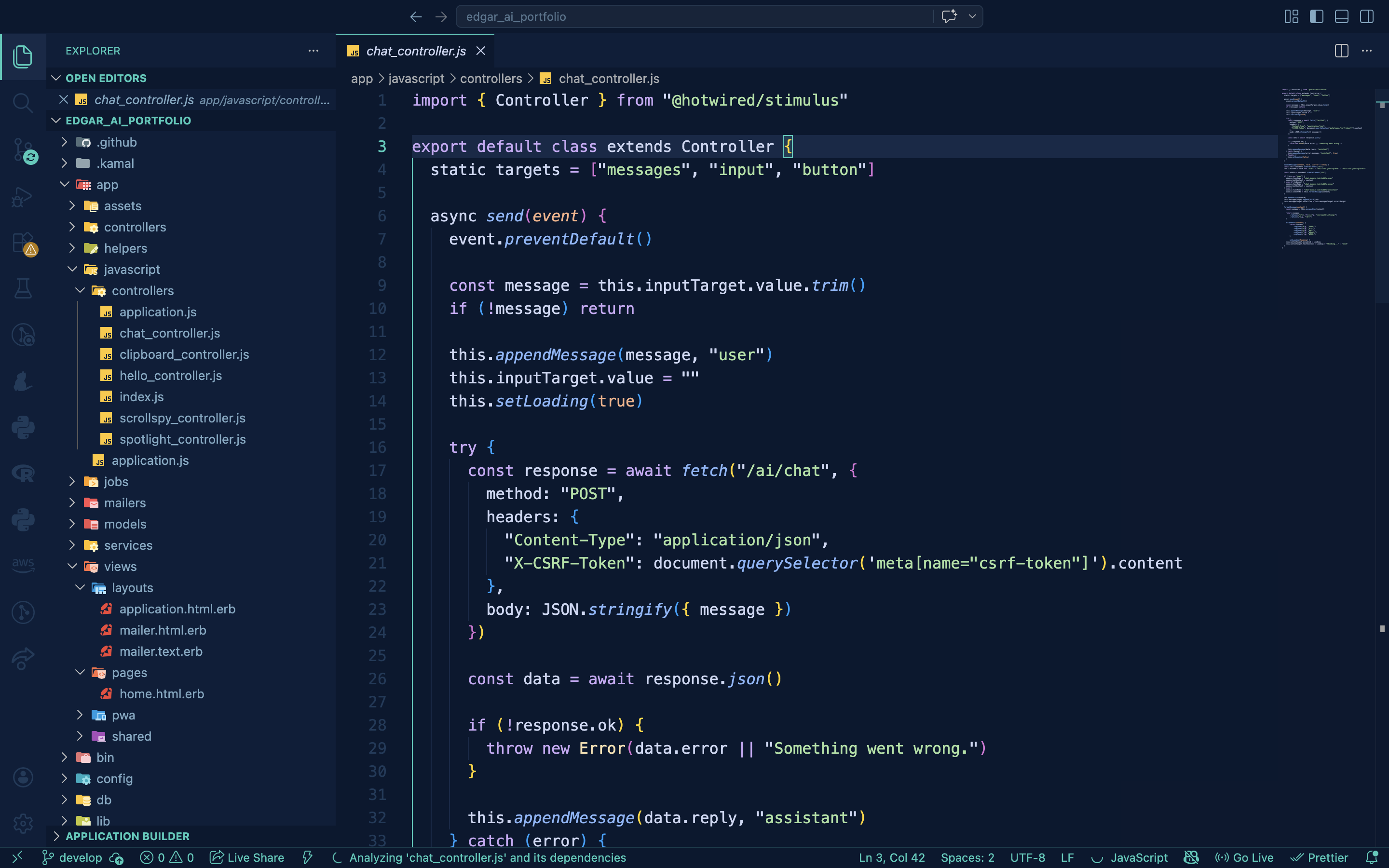
VS Code Theme
Deepforge
A midnight navy theme with teal highlights.
Built for long sessions, easy on the eyes.
Color Palette
#060d1f
#0a1830
#0d1e3a
#162848
#1e3a5a
#7ea8c4
#cdd6f4
#2bcbba
#cba6f7
#89b4fa
#a6e3a1
#f9e2af
#fab387
#f38ba8
Installation
01
Open the Extensions sidebar in VS Code —
View → Extensions
02
Search for
Deepforge
03
Click Install then Reload the editor
04
Go to
Code → Preferences → Color Theme → Deepforge